Enjoy Your Cell Phone Trip...
En user manual, Lt instrukcija, Est juhend Support chat
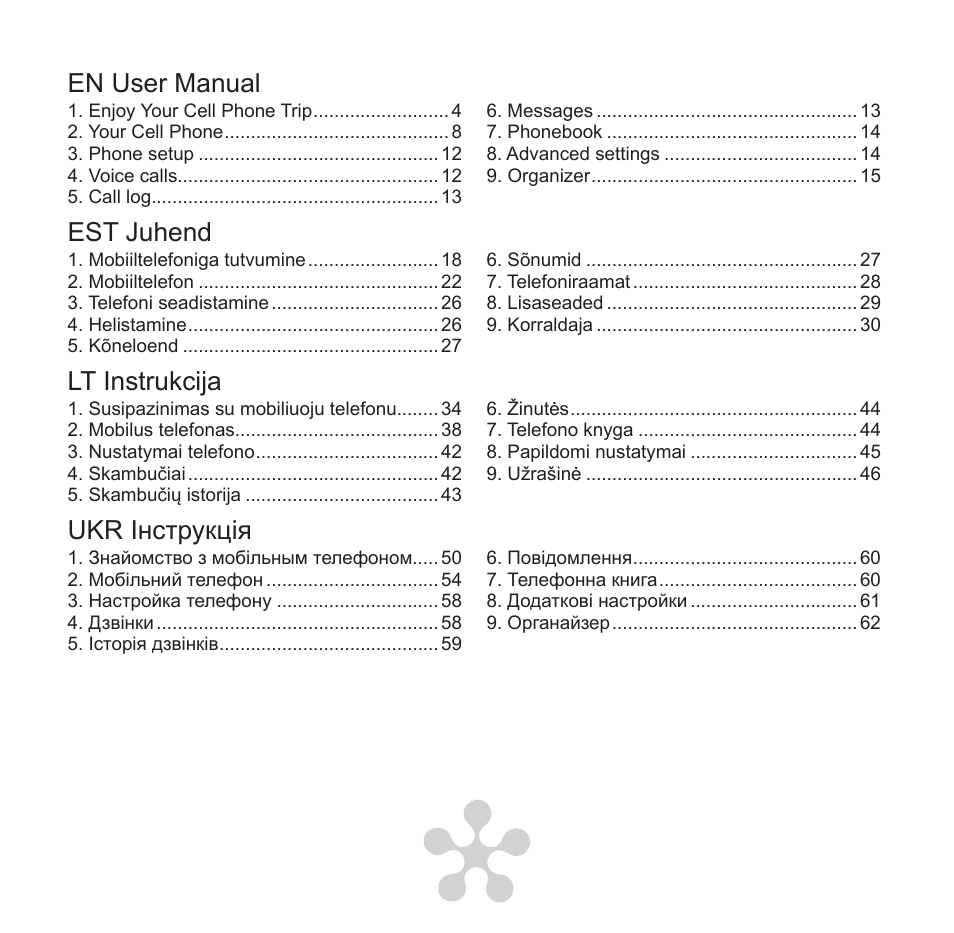
EN User Manual
1. Enjoy Your Cell Phone Trip .......................... 4
2. Your Cell Phone ...........................................8
3. Phone setup ..............................................12
4. Voice calls..................................................12
5. Call log.......................................................13
6. Messages ..................................................13
7. Phonebook ................................................14
8. Advanced settings .....................................14
9. Organizer ...................................................15
LT Instrukcija
1. Susipazinimas su mobiliuoju telefonu........ 34
2. Mobilus telefonas.......................................38
3. Nustatymai telefono ...................................42
4. Skambučiai ................................................42
5. Skambučių istorija .....................................43
6. Žinutės .......................................................44
7. Telefono knyga ..........................................44
8. Papildomi nustatymai ................................45
9. Užrašinė ....................................................46
EST Juhend
1. Mobiiltelefoniga tutvumine ......................... 18
2. Mobiiltelefon ..............................................22
3. Telefoni seadistamine ................................26
4. Helistamine ................................................26
5. Kõneloend .................................................27
6. Sõnumid ....................................................27
7. Telefoniraamat ...........................................28
8. Lisaseaded ................................................29
9. Korraldaja ..................................................30
UKR Інструкція
1. Знайомство з мобiльным телефоном..... 50
2. Мобiльний телефон .................................54
3. Настройка телефону ...............................58
4. Дзвiнки ......................................................58
5. Iсторiя дзвiнкiв ..........................................59
6. Повiдомлення ...........................................60
7. Телефонна книга ......................................60
8. Додатковi настройки ................................61
9. Органайзер ...............................................62
RU Инструкция
1. Знакомство с мобильным телефоном .... 66
2. Мобильный телефон ...............................70
3. Настройка телефона ...............................74
4. Звонки .......................................................74
5. История звонков.......................................75
6. Сообщения ...............................................76
7. Телефонная книга ....................................76
8. Дополнительные настройки .................... 77
9. Органайзер ...............................................78
User Manual
EN
www.just5.com
4
1. Enjoy Your Cell Phone Trip
1.1.1 Install the battery
1. Open the battery cover.
2. Put the battery in the battery slot 3 metal contact points
towards back and in line with the metal bolts at the bottom
line of the cell phone, ensuring the battery’s 3 metal contact
points are in close alignment with the 3 metal bolts of the cell
phone.
3. Cover the battery, insuring the battery cover entirely closed
with a «Click» sound.
1.1.2 Remove the battery
1. Open the battery cover.
Note: be sure to turn off the cell phone and disconnect the...
Page 5 Support chat
5
Note:
be sure to turn off the cell phone and disconnect the connection with the charger
before removing the battery, and use only batteries designed for this type of cell phone.
2. The battery could easily be removed by pressing the edge of
it and making a lift with your fingers.
3. Cover the battery, ensuring the battery cover properly placed
with a «Click» sound.
1. Insert the SIM card:
Remove the battery cover; make sure the SIM card’s metal
contacts pointing downward and gap upward, and then slide
the SIM card towards the direction pointed by the battery slot
arrow until it is properly placed in the SIM card slot.
2. Remove the SIM card:
Hook the gap corner of the SIM card with one finger and
make a lift with another finger.
1.2 Install/Remove SIM Card (phone card)
Battery Charging The cell phone could be charged either und...
Page 6 Support chat
6
1.3 Battery Charging
The cell phone could be charged either under power-on or power-off state. Before
charging: make sure the battery has been installed in the phone.
Note:
if the battery has been overly-discharged, the battery level indicator may be shown
after a few minutes.
1. Plug the charger in the power socket.
2. After charging finished: unplug the charger from
the power socket, unplug its other end from the
phone.
1.4 Battery level indicator
Charging
Charging completed
Low battery warning
Should low battery occur, the cell phone will sound a warning alarm and show a message
of «battery low». If you receive a «battery low» warning during your making/answering call
time, please charge the phone so as to continue the call.
1.5 Turn on/off the Cell Phone
Turn on
Press and hold the button to turn on the cell phone. Enter the PIN code supplied by
mobile provider for your SIM card and press Call button. If...
Page 7 Support chat
7
mobile provider for your SIM card and press Call button. If necessary, you may switch off
PIN code request, (see p. 8.4. Advanced settings) , but it would cause unsecure situation
in case your cell phone is lost or stolen.
Warning:
if you enter incorrect PIN codes consecutively for 3 times, the SIM card will be
locked, and the phone will ask you to enter the PUK code (to solve this problem please
contact your network service provider).
Turn off
To turn off your cell phone under standby mode press and hold the button .
8
2.1 Stanby mode
When your cell phone is ready to be operated but not used, it stays in standby mode.
2. Your Cell Phone
Press to enter main
menu
Press to enter
phonebook
Call button. Press to
enter call log
Press and hold for 2
sec. to switch on silent
mode
Button for
cancelling, end and
denial
Light button Volume adjustment Keyboard lock Radio button B...
Page 9 Support chat
9
Light button
Volume
adjustment
Keyboard lock
Radio button
Big button
(SuperButton®)
Screen icons Following icons may appear on the screen...
Page 10 Support chat
10
2.2 Screen icons
Following icons may appear on the screen.
2.3 Functions of buttons
Button
Function
Call button
Make a call.
Incoming call: answer the incoming call.
Standby mode: open call history.
Operating: select or confirm the function.
Battery status
Signal status
Alarm
Unread messages
Ring
Vibration
Vibration + silent mode
Call forwarding
Missed calls
Headphones
Keyboard locked
Flight mode
Roaming
 15:54
Обзор Just5 CP10S bestinspace: самый позитивный телефон
 13:46
Обзор телефона Just5 CP10s
 04:27
Just5 CP10S — видеообзор
 07:48
Just5 CP10s - видеообзор занятного бабушкофона
 05:15
Распаковка Just5 CP10s BestInSpace (unboxing): телефон с большими кнопками
 03:03
Обзор и розыгрыш молодежного "бабушкофона" Just5 cp10S
 00:33
Мобильный телефон Just5 CP10S. Дизайн
Press the button for help

 Manualza!


Comments not foundFeel free to share your valuable feedback with us.